Making your review request card work
Most happy customers mean to leave a review and never do. A review request card at the till or in the bag gives them the nudge, and the link, at the moment they feel good about the visit.
What to write on it
- A short, warm ask: Loved your visit? Leave us a review.
- The exact review link, shortened so it can be typed from the card.
- Your business name and logo, so the card is recognised later when it surfaces in a bag.
One tip
Ask for an honest review rather than a five-star one, and never offer a reward for a positive rating: review platforms remove reviews gathered that way.
What you get
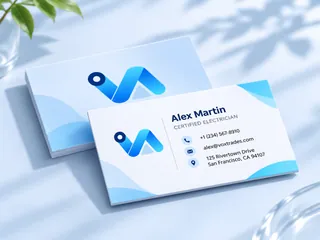
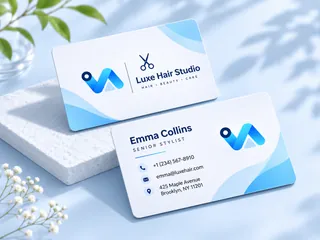
- Made at 3.5 × 2 in.
- A CMYK print PDF with bleed and crop marks, ready for any print shop.
- Business cards come in US 3.5 × 2 in and EU 85 × 55 mm.
- Two AI designs from your words, logo and colours; preview free, $3.99 for the one you keep.
- How do I ask customers for Google reviews?
- Ask in person at the end of a good visit, and hand them a card with your review link so it takes seconds to do later.
- Can I put my Google review link on the card?
- Yes. Type the link as the website line during setup and it is printed on the card.