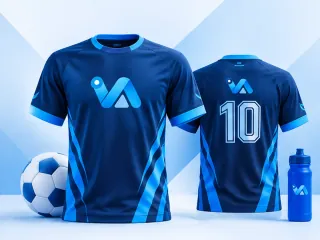
Making your logo T-shirt work
Staff shirts, shop merch and event tees all start from the same thing: a logo printed cleanly across a chest. This item makes a full-front design on a transparent background, ready for a DTF transfer or any printer who works from a PNG.
What to write on it
- Keep the wording short: a name and, at most, a tagline. Long sentences do not read on a moving shirt.
- Choose colours that contrast with the shirt colour you plan to print on.
- Upload your logo at the largest size you have, so the edges print crisp.
One tip
Ask your printer which shirt colours they stock before you finalise the design, and preview it against that colour: a navy logo vanishes on a navy shirt.
What you get
- Made at 11 × 11 in.
- A transparent 300 DPI PNG, ready for DTF and garment printers.
- Two AI designs from your words, logo and colours; preview free, $3.99 for the one you keep.
- What file do I need to print a logo T-shirt?
- A transparent PNG at 300 DPI at the print size is what DTF printers ask for, and it is what this item delivers.
- Can I order the T-shirts here?
- No. You get the print file, and any DTF or garment printer can produce the shirts from it.