Making your LinkedIn banner work
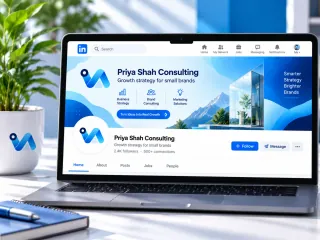
The LinkedIn banner sits behind your profile photo and is one of the first things a recruiter, client or partner sees. Consultants and small firms use it to say what they do in one line, so visitors understand the profile before reading it.
What to write on it
- Your name or firm and a one-line description of your work.
- A website or short call to action, if you want profile visitors to go somewhere.
- Keep the left side lighter; your profile photo covers part of it.
One tip
Look at the profile on a phone after uploading. LinkedIn crops the banner more tightly on mobile, so words near the edges can disappear.
What you get
- Made at 1584 × 396 px.
- A PNG at the exact size the platform shows.
- Two AI designs from your words, logo and colours; preview free, $3.99 for the one you keep.
- What size is a LinkedIn banner?
- This one is made at 1584 × 396 pixels, LinkedIn's recommended size for a personal profile background.
- Can I use the banner on a company page?
- Company pages use a different crop, so check how it looks there before relying on it.