



Turn logos and artwork into editable vectors
Upload a logo, illustration or design as a PNG, JPG or WebP and we trace it into clean vector paths you can edit before you buy. You see a free preview first. If you like it, $3.99 buys SVG, PDF and EPS, plus a 300 DPI PNG. No account and no subscription.
- SVG, vector PDF, EPS and a 300 DPI PNG
- Free preview, no account needed
- $3.99 per design, paid once
- Commercial use, no royalty
What changes when artwork becomes a vector
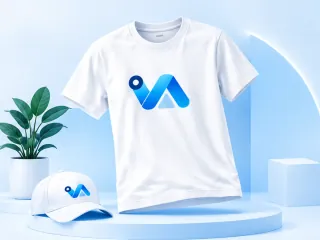
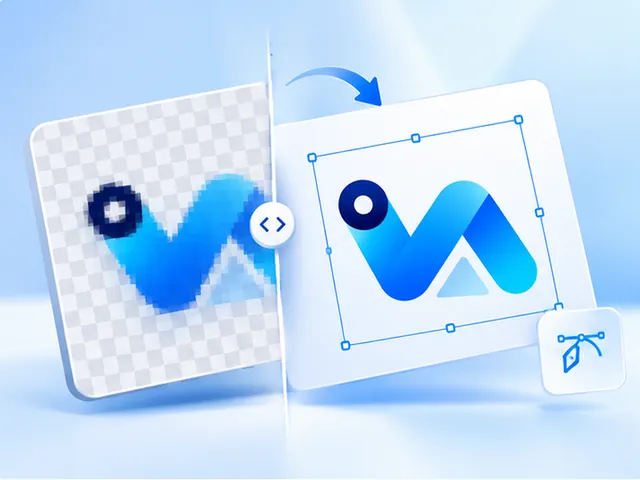
A PNG or JPG stores your logo as a grid of coloured squares. Enlarge it and the squares grow with it, which is why a logo that looks fine on screen prints with soft, stepped edges on a shirt or a sign.
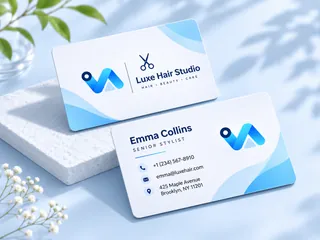
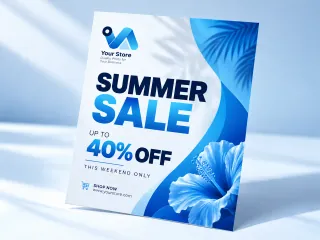
A vector stores the same logo as shapes: outlines and fills described by numbers. A printer, a cutter or a design program redraws those shapes at whatever size it needs, so the edges stay crisp on a business card and on a banner.
What you control before you pay
The preview is a starting point, not a take-it-or-leave-it result. Artwork starts with the background removed, eight colours and the editor open, the settings most logos want. Choose how many colours the trace uses, up to 24, or set it to Auto. Merge two colours that should be one, replace a colour, erase a stray mark, remove a plain background or add a line of text.
Every change shows in the preview before anything is charged, and the files you buy are made from exactly what you approved.
When tracing is the wrong tool
Tracing suits logos, lettering, icons and flat-colour artwork. It doesn't suit photographs or soft gradients: a vector is made of flat colours, so a gradient comes back as bands and a photo as flat shapes. The preview shows you which you have before you pay.
For a photo you want printed bigger, upscaling is the better product: it keeps the photo a photo and sizes one PNG for your print.
Questions, answered
- What file formats do I get?
- Four. SVG, PDF and EPS are the vector itself, and the PNG is rendered from that vector at 300 DPI for the print width you choose. All four come with every design for $3.99.
- Can you vectorize a blurry or low-resolution logo?
- Usually, yes. Tracing follows the shapes in your image rather than counting its pixels, so a small or soft logo can still come out with clean edges. Small lettering and fine lines are what to check in the free preview before you pay.
- Will my logo keep its colours?
- The trace picks the main colours from your image. You can choose how many it uses, merge two that should be one, or replace a colour before you buy. Vector files are flat colour, so a gradient becomes bands.
- Do I need Illustrator to use the files?
- No. The PDF opens in any PDF viewer and is ready to send to a printer. The SVG works in browsers, Cricut Design Space and most design tools, and the EPS is there for Illustrator, CorelDRAW and Affinity.
- Can I use the vector commercially?
- Yes. The finished design is yours to use commercially: print it and sell it on products you make, with no attribution and no royalty. You do need the right to use the logo you upload.
- How long can I download the files?
- The download link is emailed to you and keeps working for 12 months. Once you've downloaded the files, they're yours to keep.