













Convert a JPG to a vector file
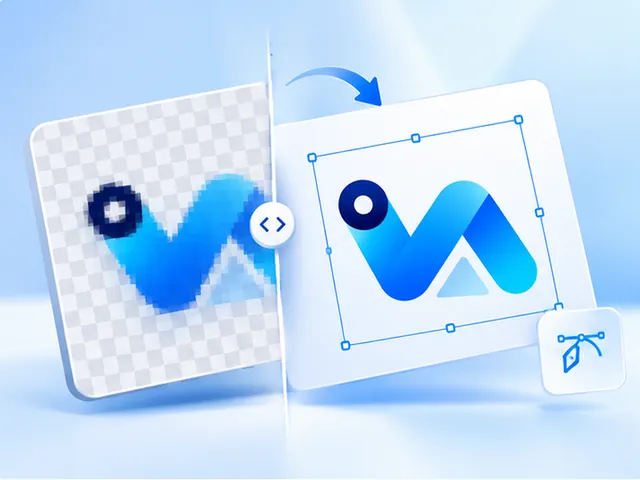
Upload the JPG and we trace its shapes into a vector: smooth outlines instead of pixels, so it prints cleanly at any size. Because the trace redraws the shapes, the speckled haze a JPG leaves around edges usually doesn't carry over. Check the free preview, then pay $3.99 once for SVG, PDF, EPS and a 300 DPI PNG.
- SVG, vector PDF, EPS and a 300 DPI PNG
- Free preview, no account needed
- $3.99 per design, paid once
- Commercial use, no royalty
Why JPGs print badly
JPG was made for photos. To keep files small it throws detail away, and around hard edges, like the outline of a letter or the border of a badge, that shows up as smudged, speckled pixels. Print the file large and every flaw is enlarged with it.
A logo saved as a small JPG has a second problem: too few pixels. At 300 DPI, a print 12 inches wide needs 3,600 pixels across, and a logo taken from a website often has a few hundred.
What the trace does with a JPG
Tracing ignores the pixel grid and redraws what the image shows: each area of colour becomes a closed shape with a smooth edge. The vector has no resolution of its own, so it prints as sharply at 24 inches as at 2. What matters is how much of the design the JPG still shows.
A JPG has no transparency, so its background arrives as a colour. Choose Remove under Background and it's cleared from around the artwork, while the same colour inside the logo stays.
Check it before you pay
Upload the JPG, pick the print width and look at the preview. Zoom into the smallest lettering. If it traced cleanly, buy it. If not, change the number of colours or erase what doesn't belong and look again. You can make up to 2 free previews an hour.
Questions, answered
- Is JPG to vector the same as JPG to SVG?
- SVG is one kind of vector file. Converting a JPG to vector here gives you the SVG plus the same vector as a PDF and an EPS, and a 300 DPI PNG, all from one trace for $3.99.
- Can a low-quality JPG be converted?
- Often, yes. The trace redraws the shapes, so a small or heavily compressed JPG can still produce clean edges. Detail the JPG has already lost can't be brought back, which is why you see the result free before paying.
- Is a JPEG the same as a JPG?
- Yes, they're two names for the same format. Both are accepted, along with PNG and WebP, up to 25 MB.
- What if my JPG is a photo?
- Then tracing is the wrong tool: it turns a photo into flat colour shapes. To print a photo bigger, upscale it instead. That keeps it a photo and sizes one PNG for your print, for $1.00.
- Will the background stay white?
- Only if you want it to. A JPG's background is part of the image. Choosing Remove under Background clears it from around the artwork, so the files come out transparent. Choose Keep and the background colour is kept.
- Do I need to sign up?
- No. An email address for the download link is all a purchase needs. There's no subscription, and each design is paid for once.